12 photos in month order
Select up to 12 pictures at once. Selection order maps to January through December, and you can drag the tiles later to rearrange them.
Upload 12 of your own photos, adjust every crop and create a personalised 300 DPI calendar PDF.
Create calendar…
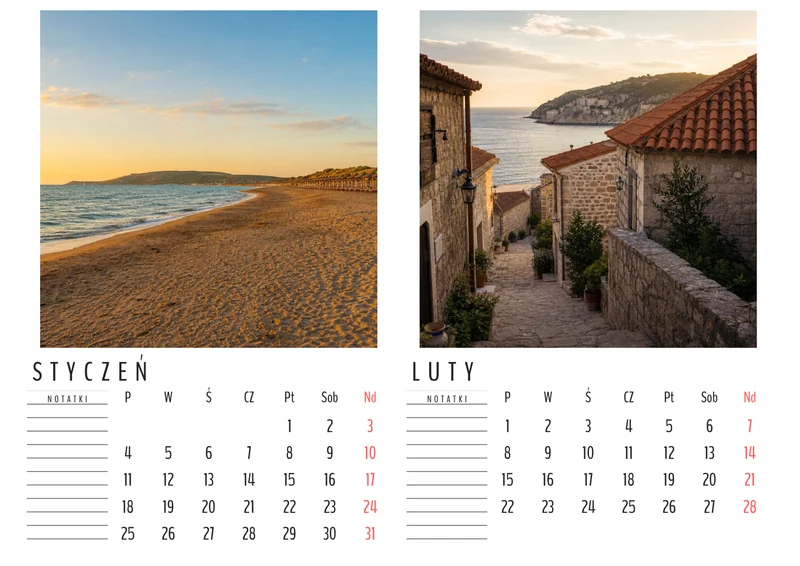 This could be your calendarYour photos. Your special year.
The whole process takes less than 5 minutes.
Upload 12 photos — one for each month. You can adjust the crop of every photo.
Check your calendar and download a high-quality PDF for printing.
After payment is confirmed, we will email you a link to the finished PDF calendar.
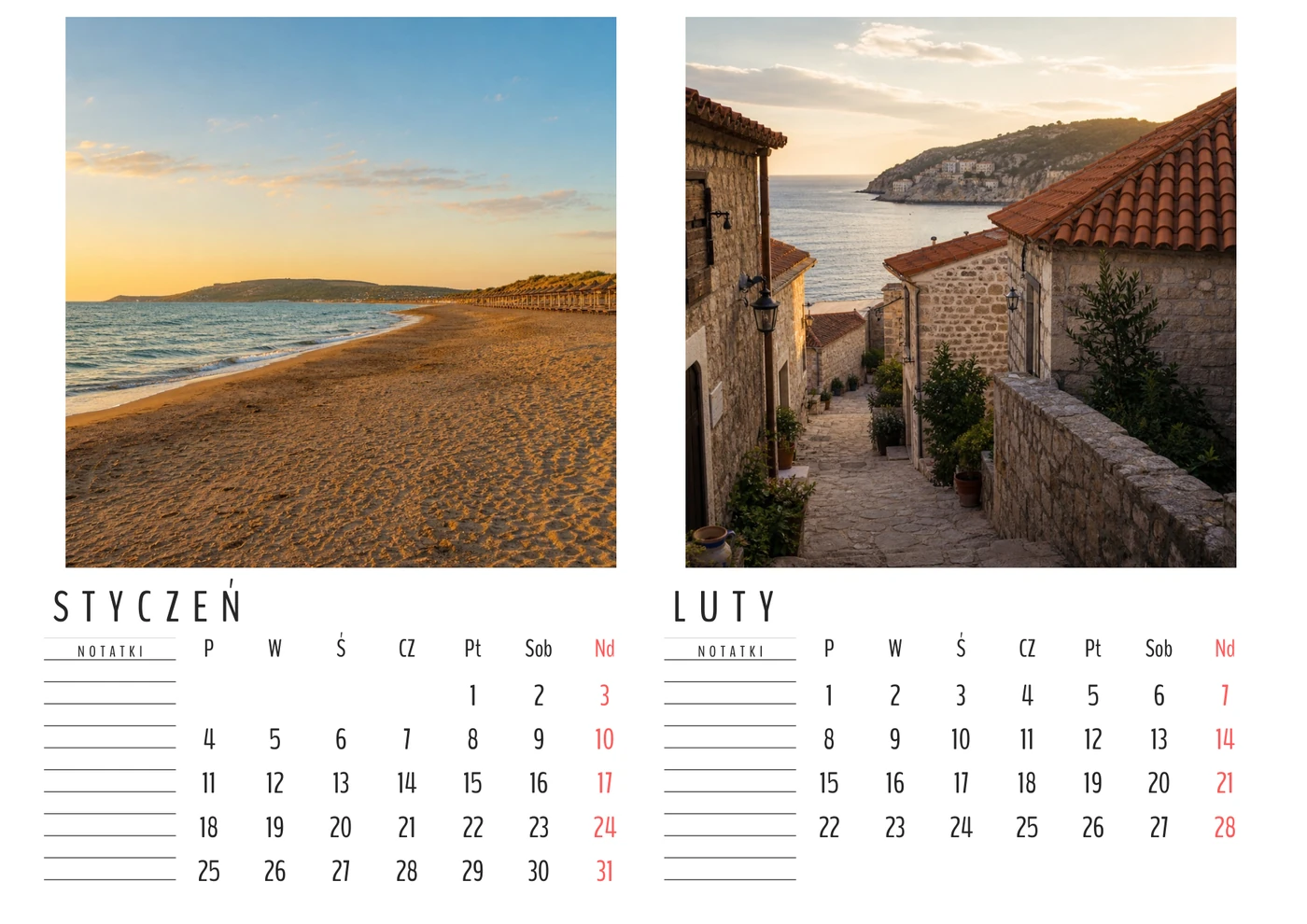
Every design has 6 landscape A4 pages and two months per page. Your choice changes the PDF design, never the photo quality.
↔ Swipe sideways to compare all templates.
Select all photos at once or add them separately. Bulk selection order runs from January to December.
Upload 12 photos above, enter your details and download your PDF calendar.
Jednorazowa płatność. PDF 300 DPI, gotowy do druku.
W koszyku użyj tego samego adresu e-mail — dzięki niemu przypiszemy płatność do Twoich zdjęć.
This online photo calendar maker helps you create a personalised calendar without installing design software. Upload 12 pictures, assign them to January through December, adjust the crop and receive a finished printable calendar PDF.
Five designs are available. Every template contains 6 landscape A4 pages. Every page includes two months, two photos and clear calendar grids. The final file is generated at 300 DPI for home or professional printing.
Select up to 12 pictures at once. Selection order maps to January through December, and you can drag the tiles later to rearrange them.
Move, zoom or rotate every photo. A panoramic image can remain fully visible with white side margins instead of being cropped too tightly.
A green, orange or red badge estimates quality after cropping. Lower-resolution photos remain available, so you can decide whether the result is right for your print.
The browser preview does not determine the quality of the finished calendar. The generator uses your uploaded files to prepare a high-resolution PDF for printing.
Bright, sharp, high-resolution images give the best result. JPG, PNG and WebP files are accepted. You may still use an older or smaller picture: the quality badge will show whether the selected crop is good, acceptable or low. Zoom out or keep white margins when you want to preserve the whole frame.
Month labels on the tiles make the photo order easy to check. Drag pictures to a different month and rotate a sideways image directly in the editor.
Source photos are removed from the server after the calendar has been generated. A private download link is emailed to you and remains active for 72 hours; the finished PDF is then deleted automatically. The current price or free-generation status is always shown before you continue.
You need 12 pictures, one for every month. Upload all of them at once or fill individual month slots.
Each of the five templates has 6 landscape A4 pages with two months per page. The PDF is generated at 300 DPI for home or professional printing.
Yes. The photo is not blocked. A green, orange or red indicator shows the estimated print quality before PDF generation.
Yes. Drag tiles between months and crop, rotate, zoom in or zoom out on each photo.
The current and following year are available when their products are enabled. The next year is selected by default and year labels update automatically.
The email download link remains active for 72 hours. The finished PDF is then automatically deleted from the server.
Drag the photo and adjust the zoom. The square shows what will appear in the PDF.